



Echelon CRM
We build custom CRMs and business systems
Echelon CRM is the one we built to run our own agency. Take the tour, then tell us how your business works.
The tour
The system we run our agency on
The real screens with sample data. Pick a screen, then open the gold dots to see what each part does.
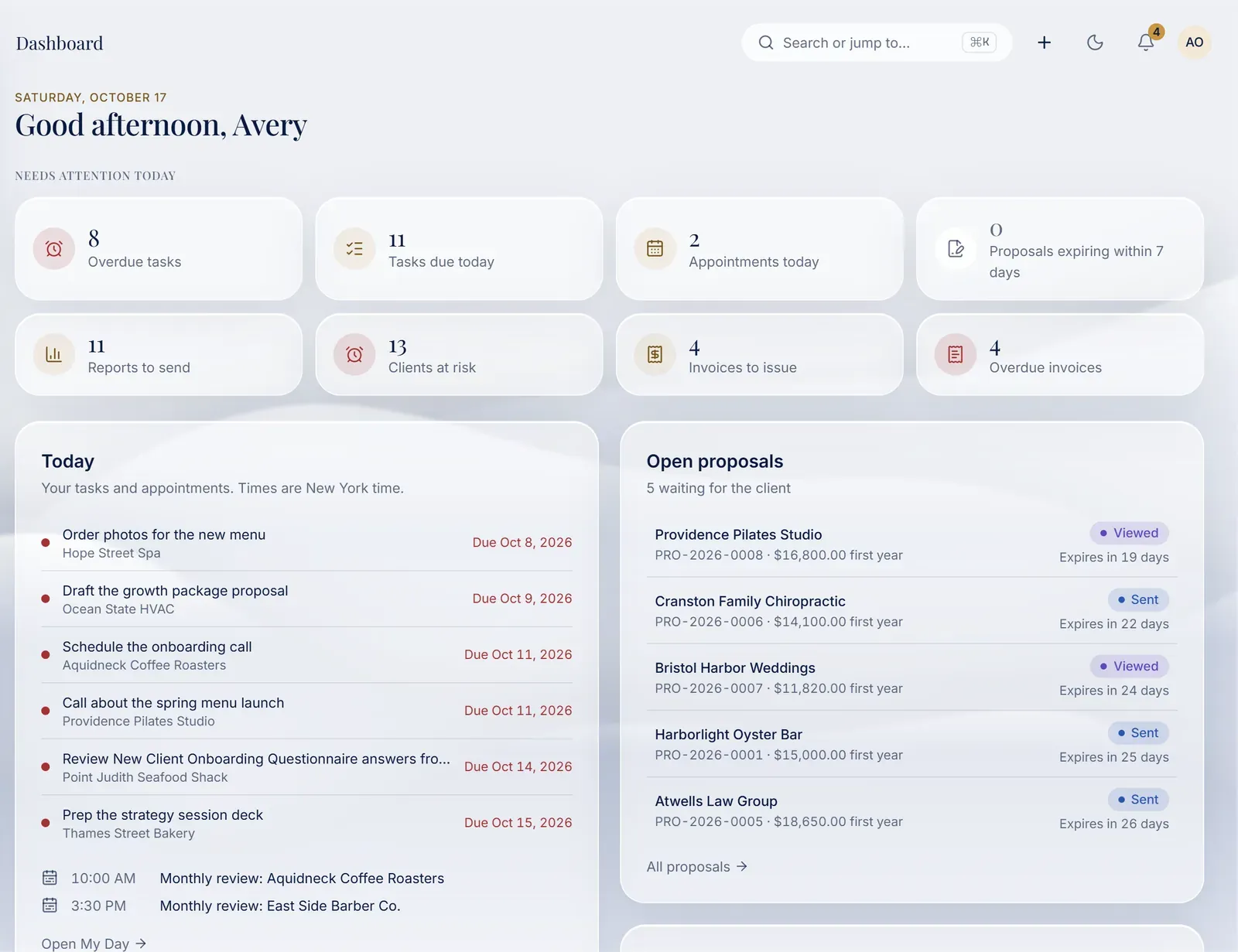
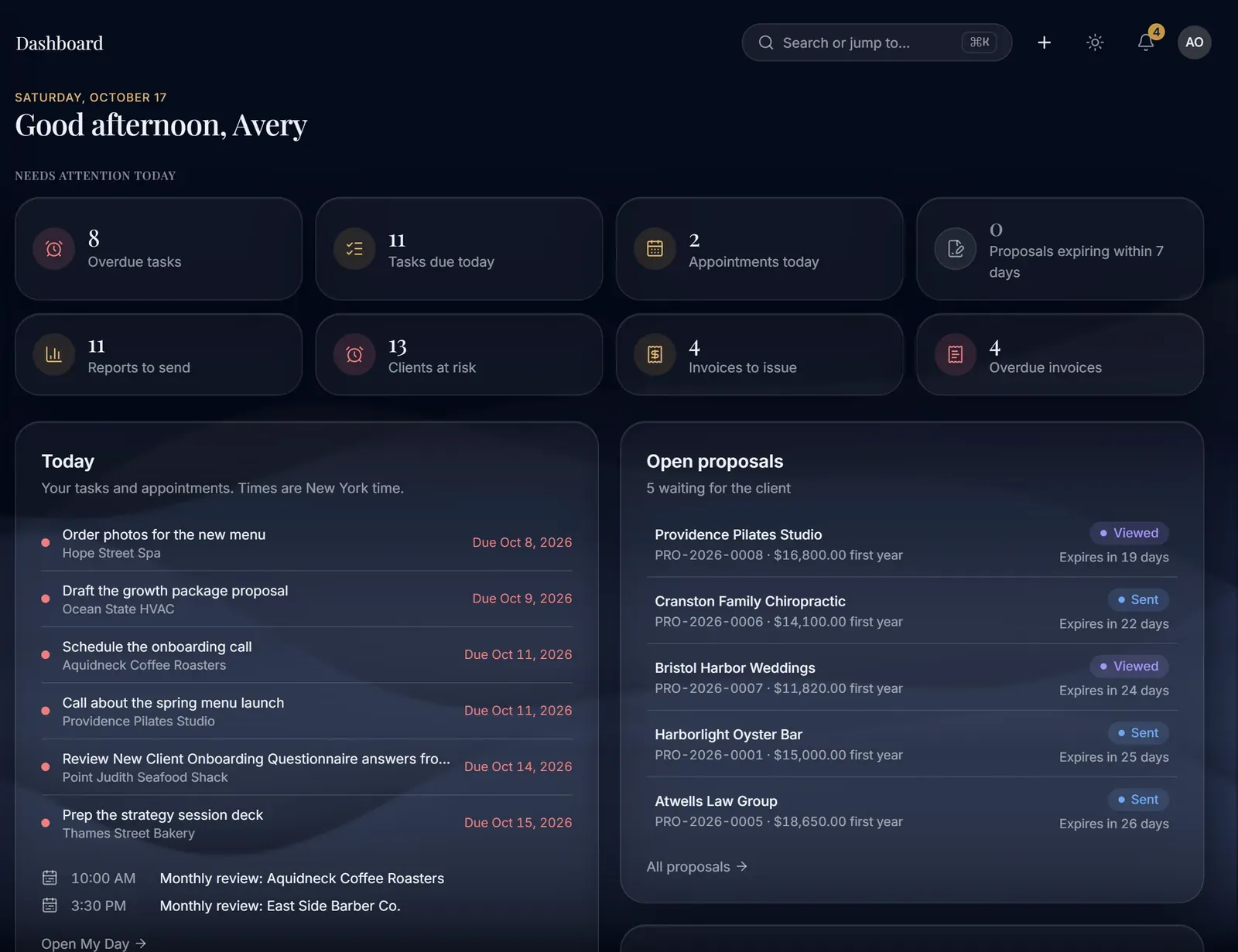
Needs attention today
Overdue tasks, today's appointments, reports to send and invoices to issue, counted when you open the CRM.
Today's list
Tasks and appointments for the day, each with its client and its due date. Anything late is marked in red.
Open proposals
Every proposal waiting on a client, marked sent or viewed, with the days left before it expires.
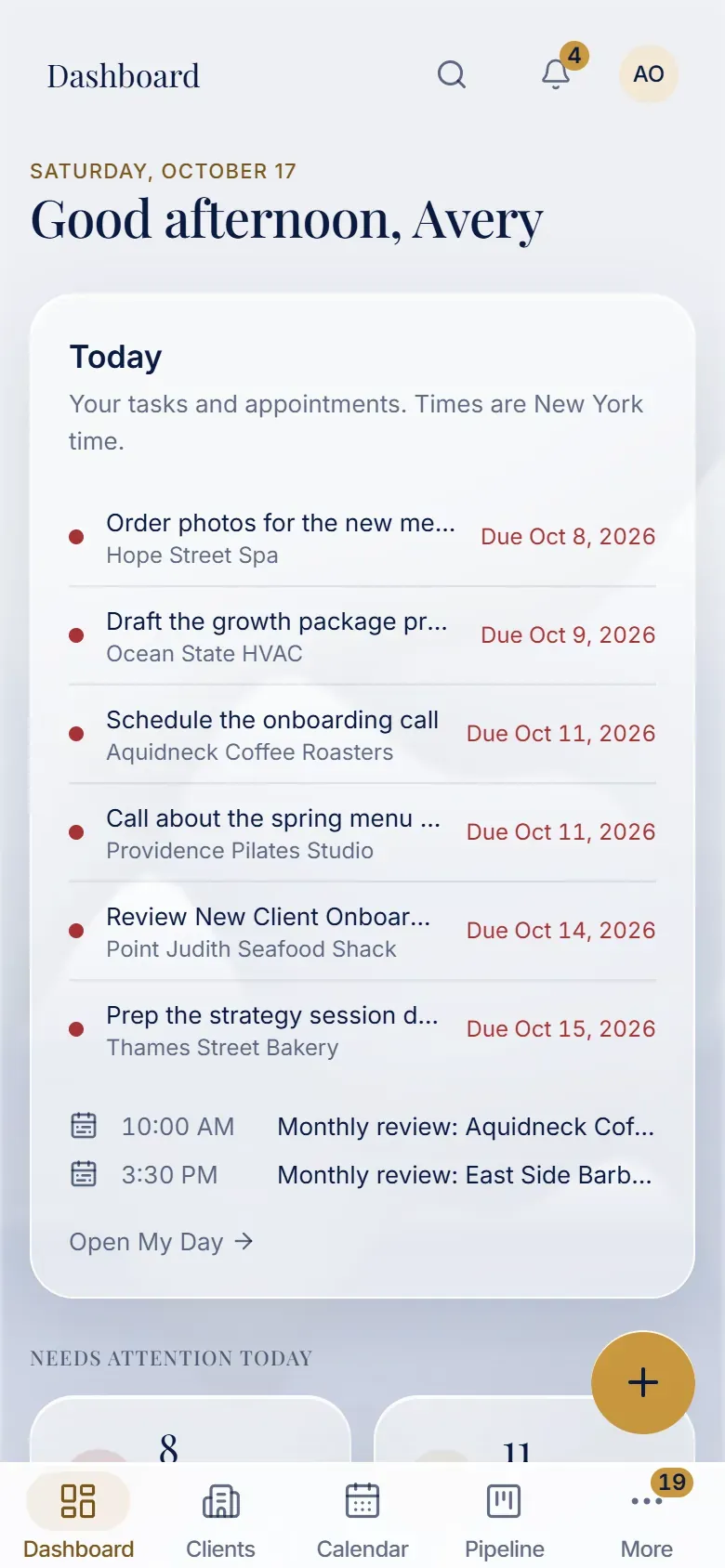
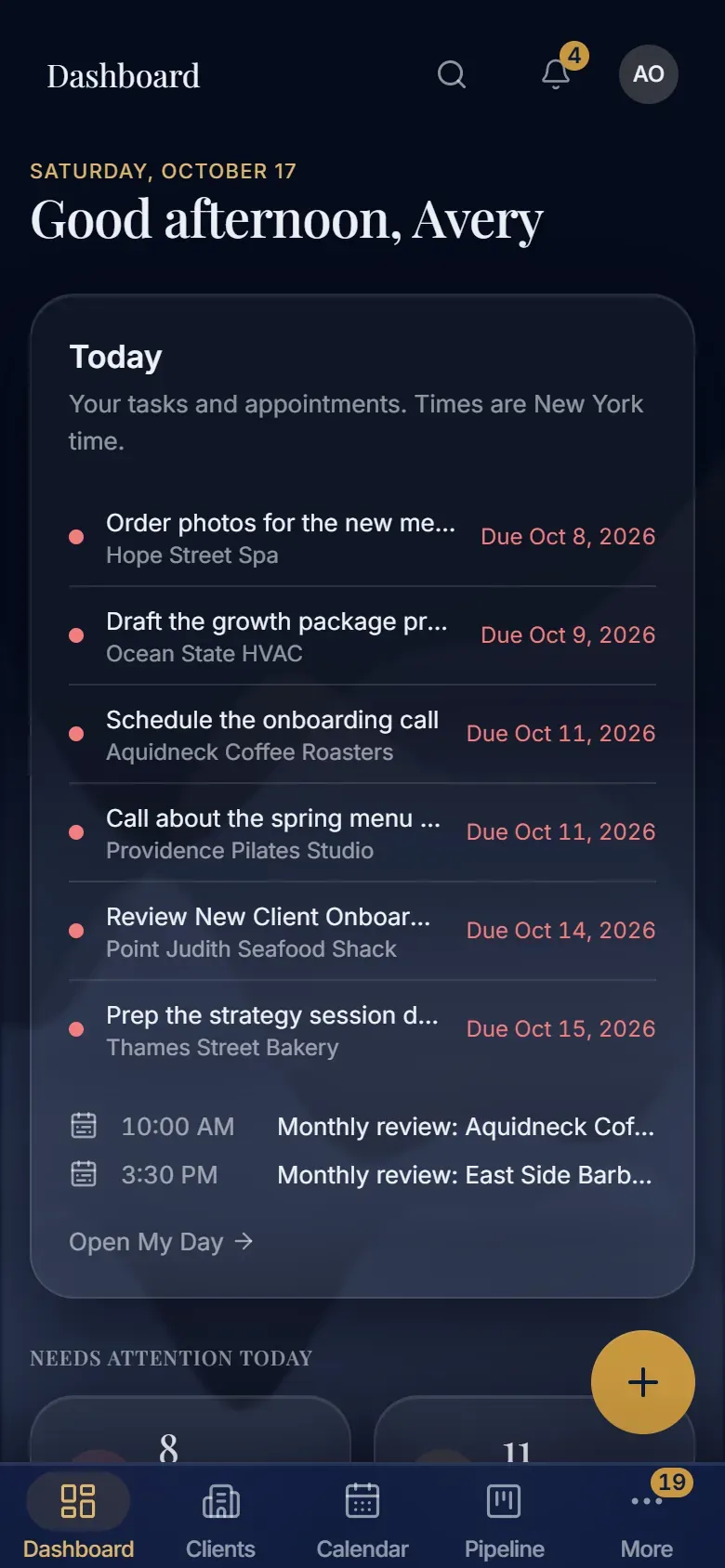
Needs attention today
Overdue tasks, today's appointments, reports to send and invoices to issue, counted when you open the CRM.
Today's list
Tasks and appointments for the day, each with its client and its due date. Anything late is marked in red.
Made for phones too
On a phone the main screens sit in a bar at the bottom, within reach of your thumb.
What the pipeline is worth
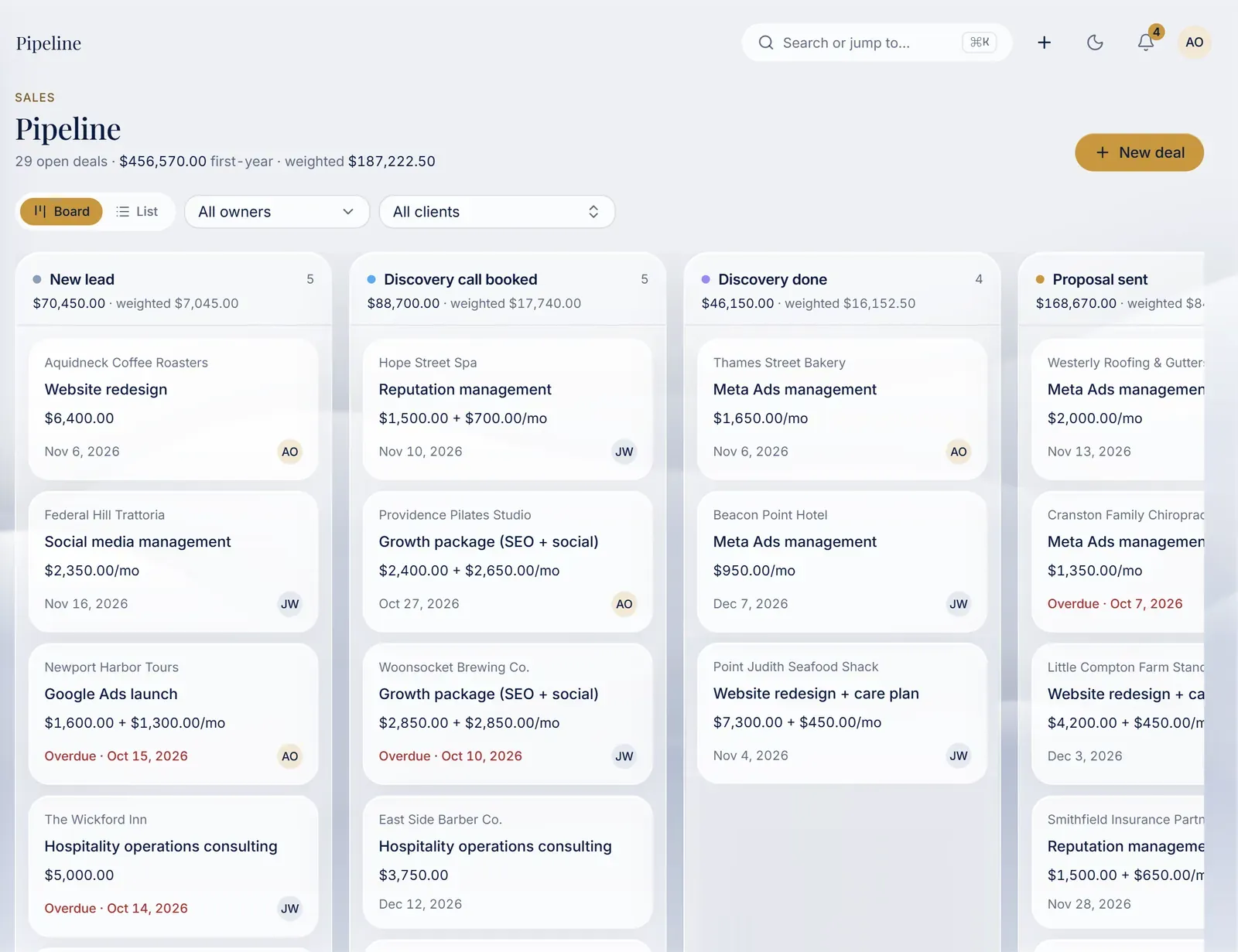
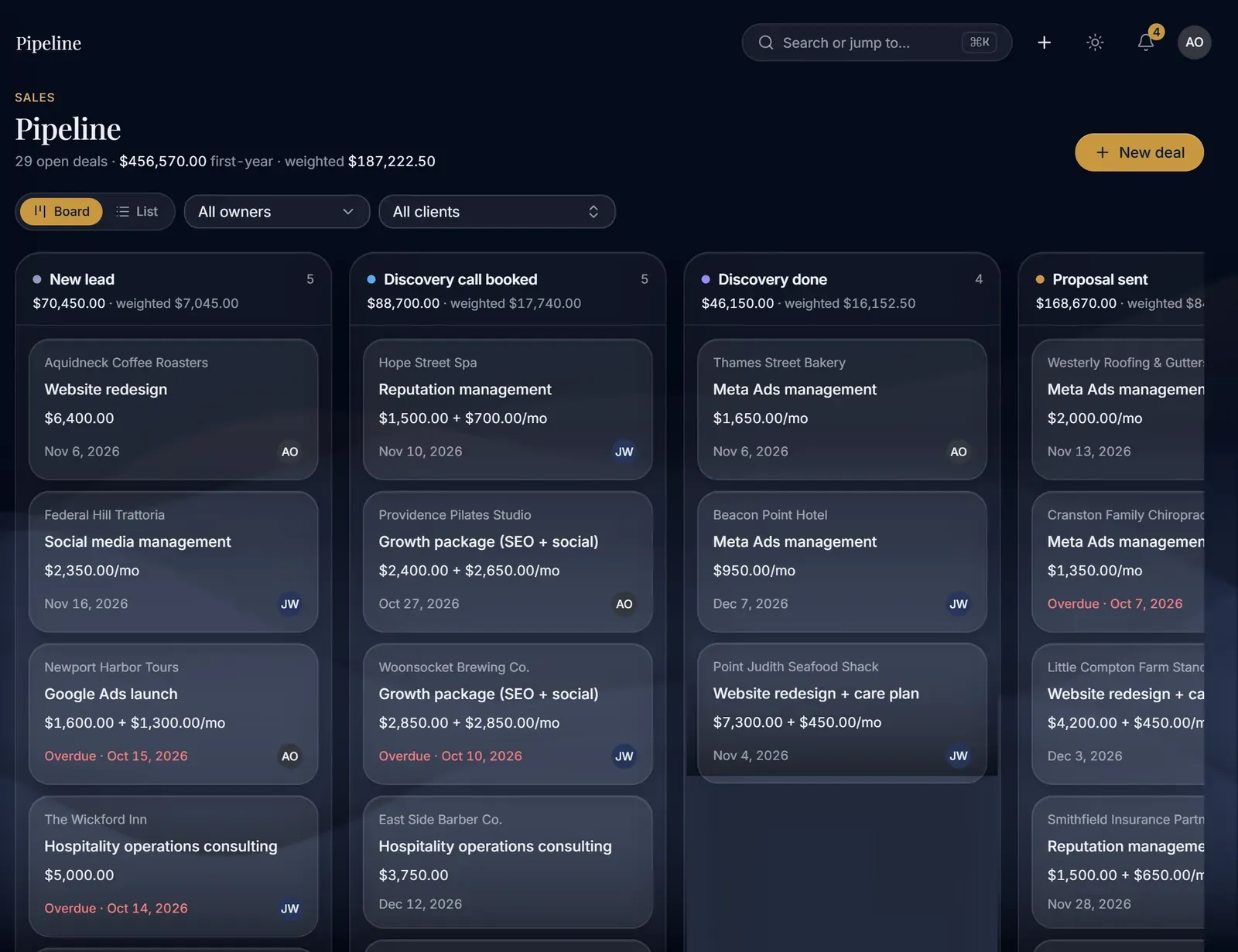
Open deals, their first-year value, and a weighted total that counts each deal by the stage it has reached.
One column per stage
From new lead to proposal sent, each stage shows how many deals it holds and what they add up to.
The next date on every deal
Each deal shows the client, the work, the price (one-time or monthly) and its next date. A missed date says Overdue.
What the pipeline is worth
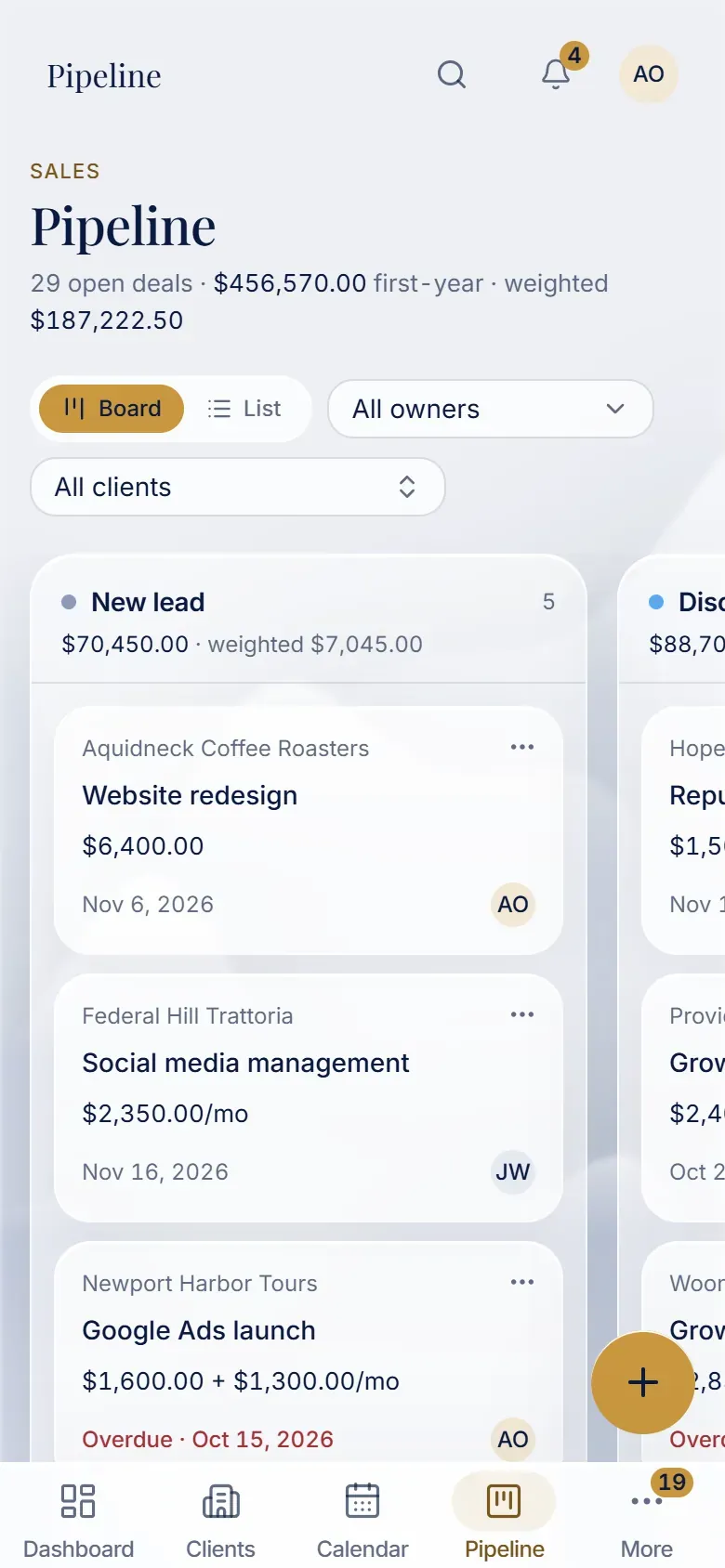
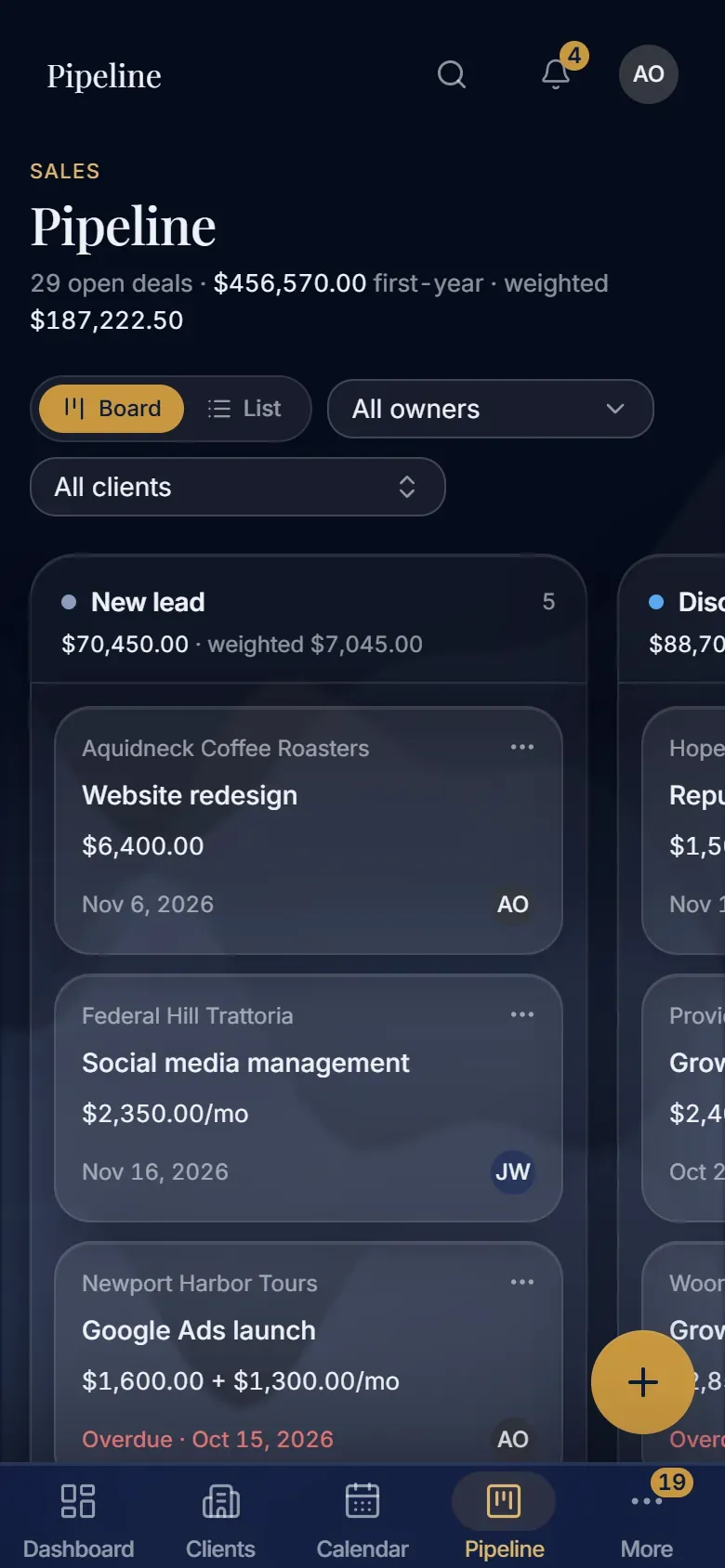
Open deals, their first-year value, and a weighted total that counts each deal by the stage it has reached.
One column per stage
From new lead to proposal sent, each stage shows how many deals it holds and what they add up to.
The next date on every deal
Each deal shows the client, the work, the price (one-time or monthly) and its next date. A missed date says Overdue.
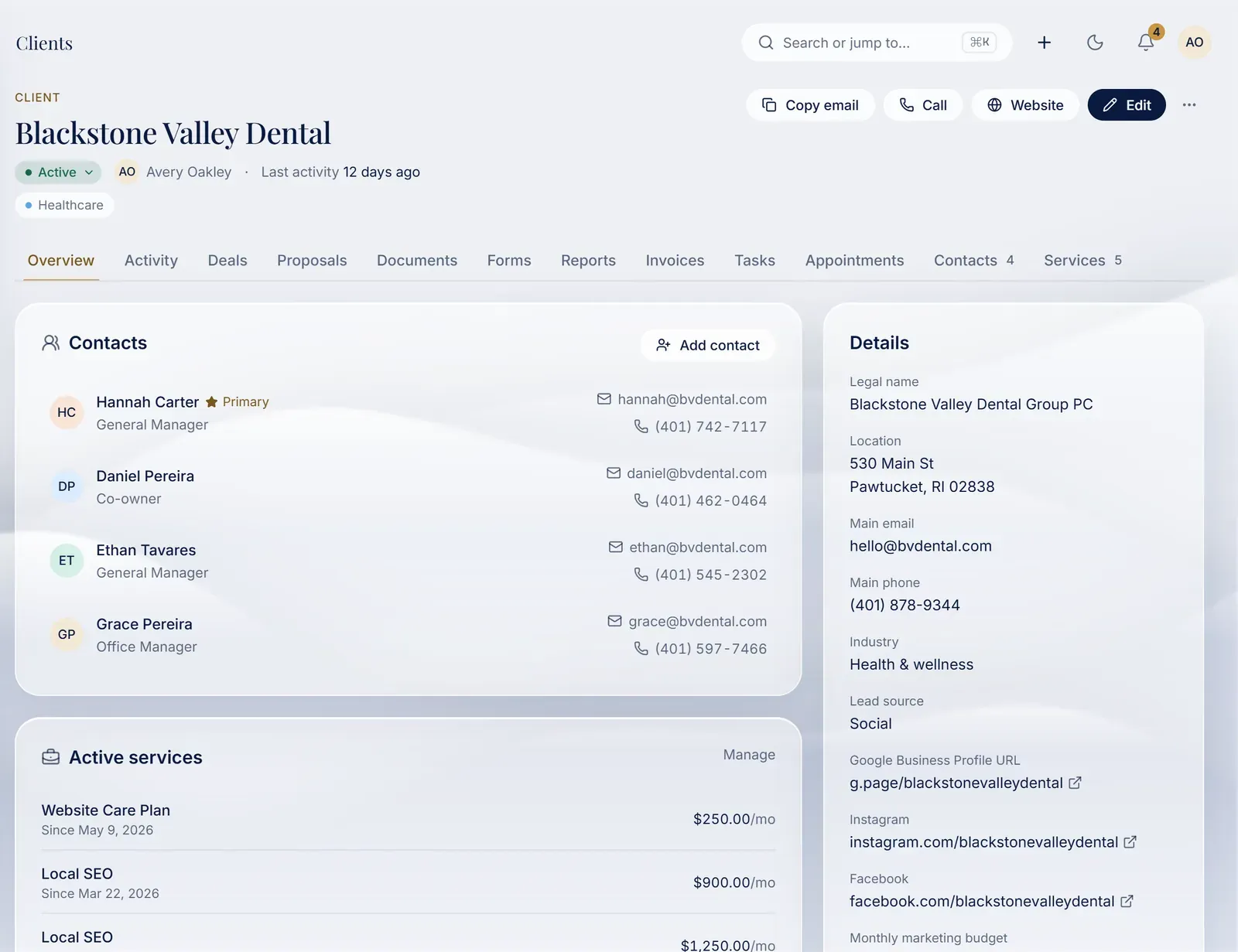
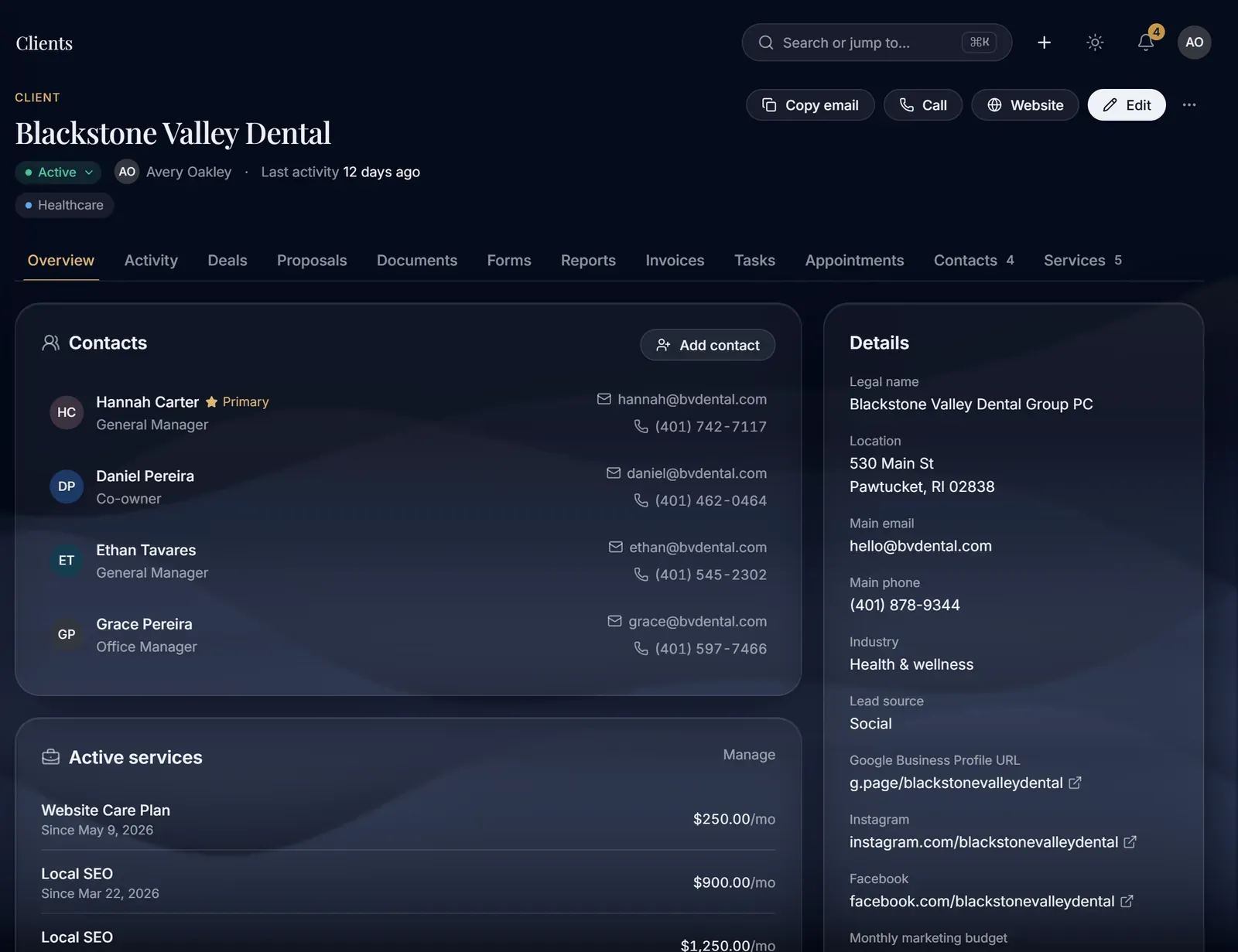
The client at a glance
Status, industry, the account owner and the last activity, at the top of every client page.
Everything in one place
Activity, deals, proposals, documents, forms, reports, invoices and tasks for this client, each one tab away.
Every contact
The people you deal with at the client, with role, email and phone. The primary contact is marked.
Active services
What the client pays for each month, and since when.
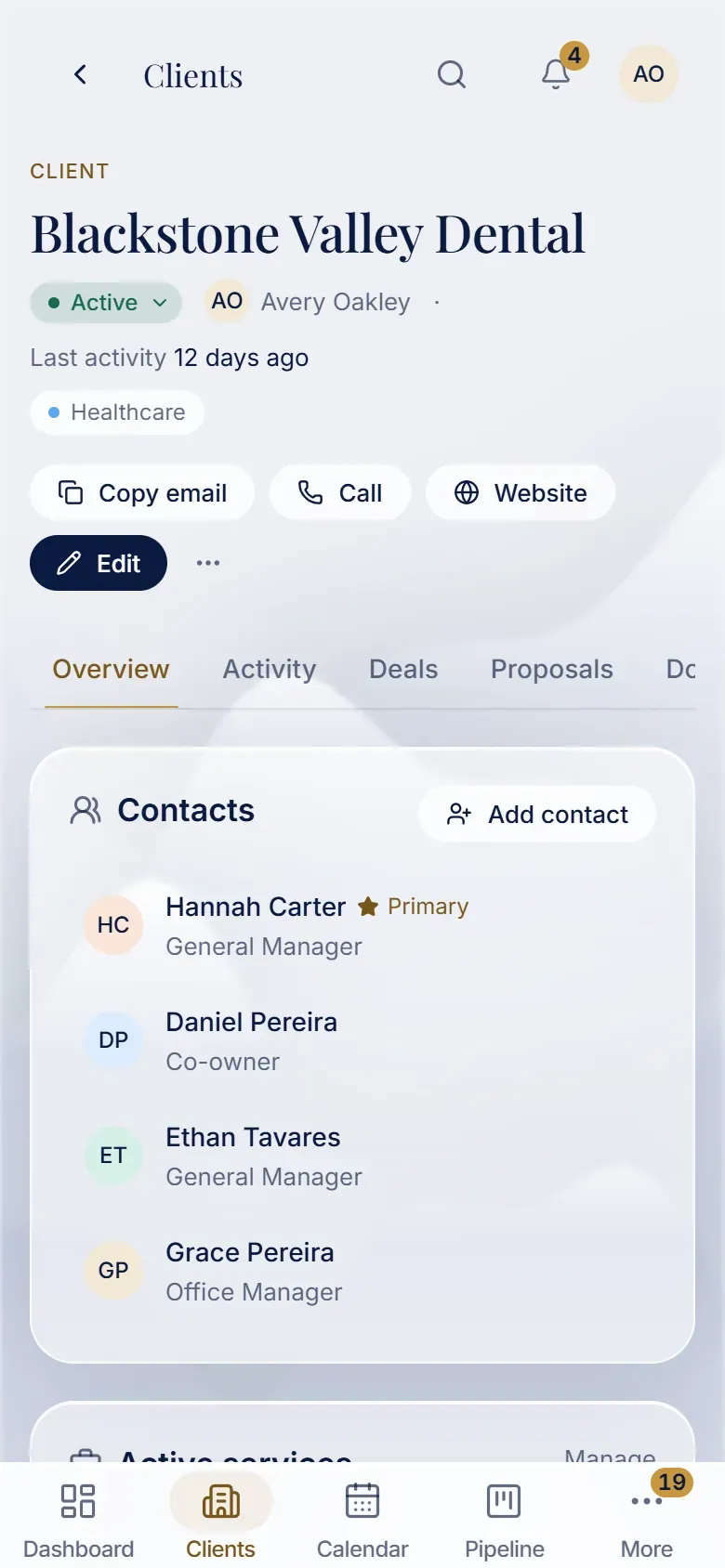
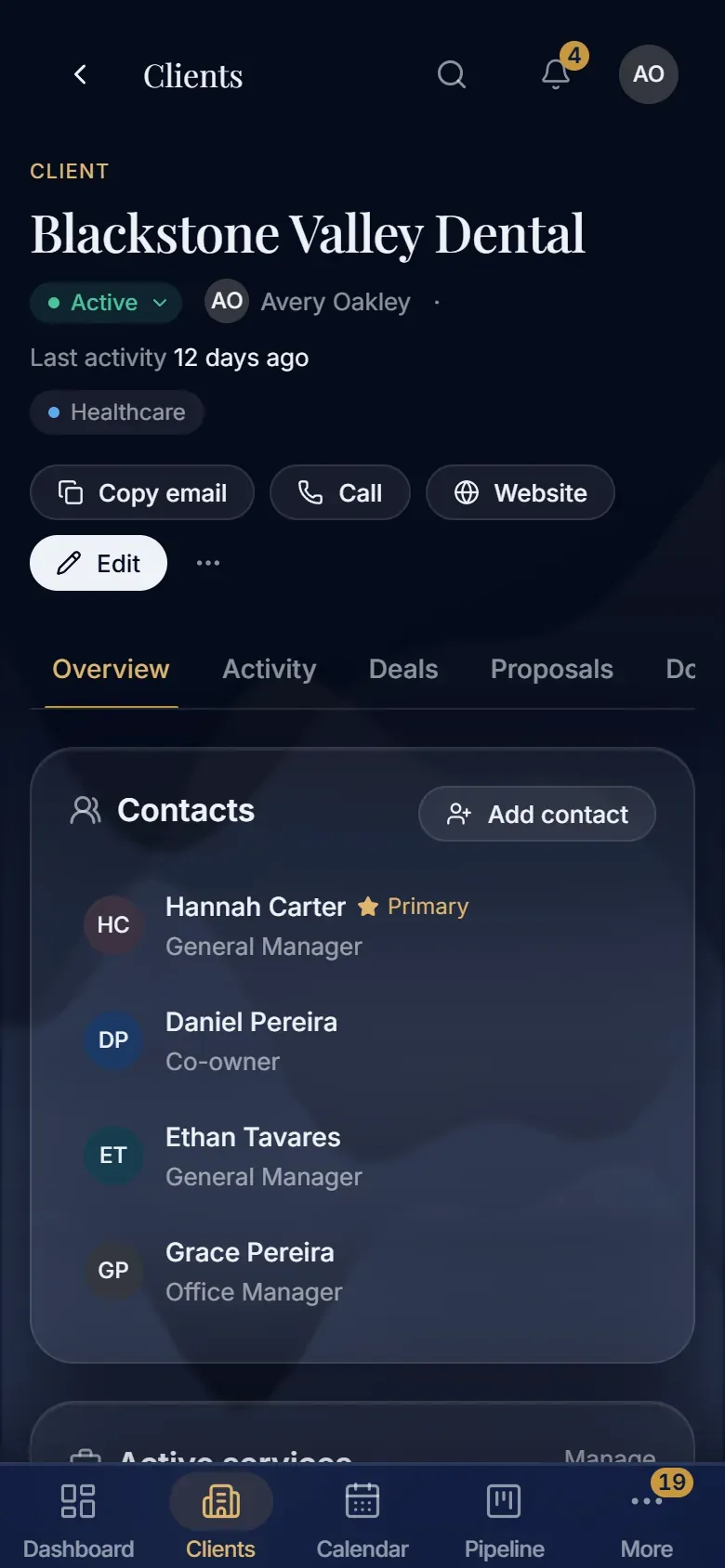
The client at a glance
Status, industry, the account owner and the last activity, at the top of every client page.
Everything in one place
Activity, deals, proposals, documents, forms, reports, invoices and tasks for this client, each one tab away.
Every contact
The people you deal with at the client, with role, email and phone. The primary contact is marked.
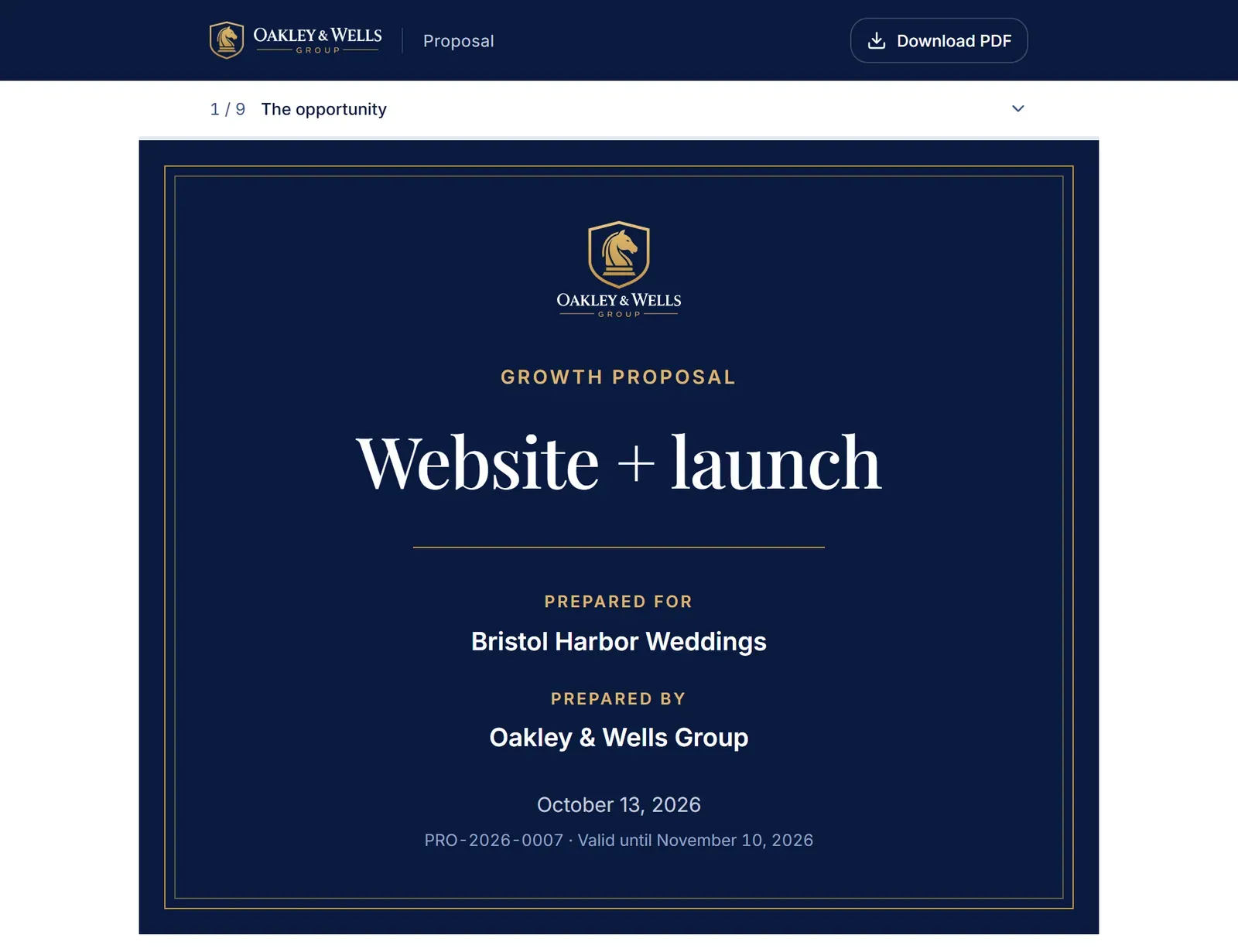
Made for one client
Each proposal has a cover with the client's name, its number and the date it stays valid until.
Read in the browser
The client reads it one section at a time, with a bar at the top that shows where they are.
Or as a PDF
The same proposal as a PDF, for clients who prefer to sign on paper.
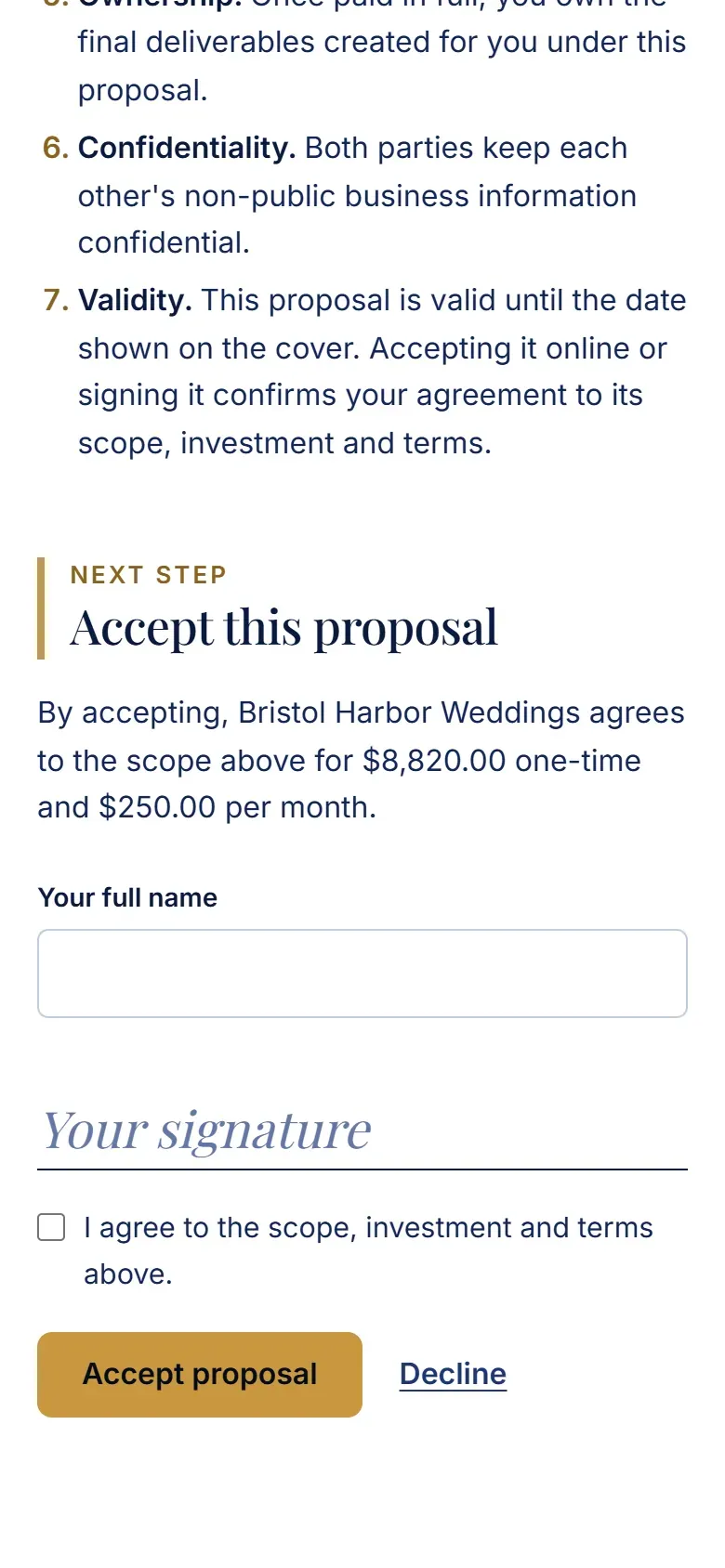
Accepted online
The client types their name, ticks the box and accepts in the browser. Nothing to print or scan.
Price in writing
The acceptance repeats the price, one-time and monthly, so both sides agree to the same numbers.
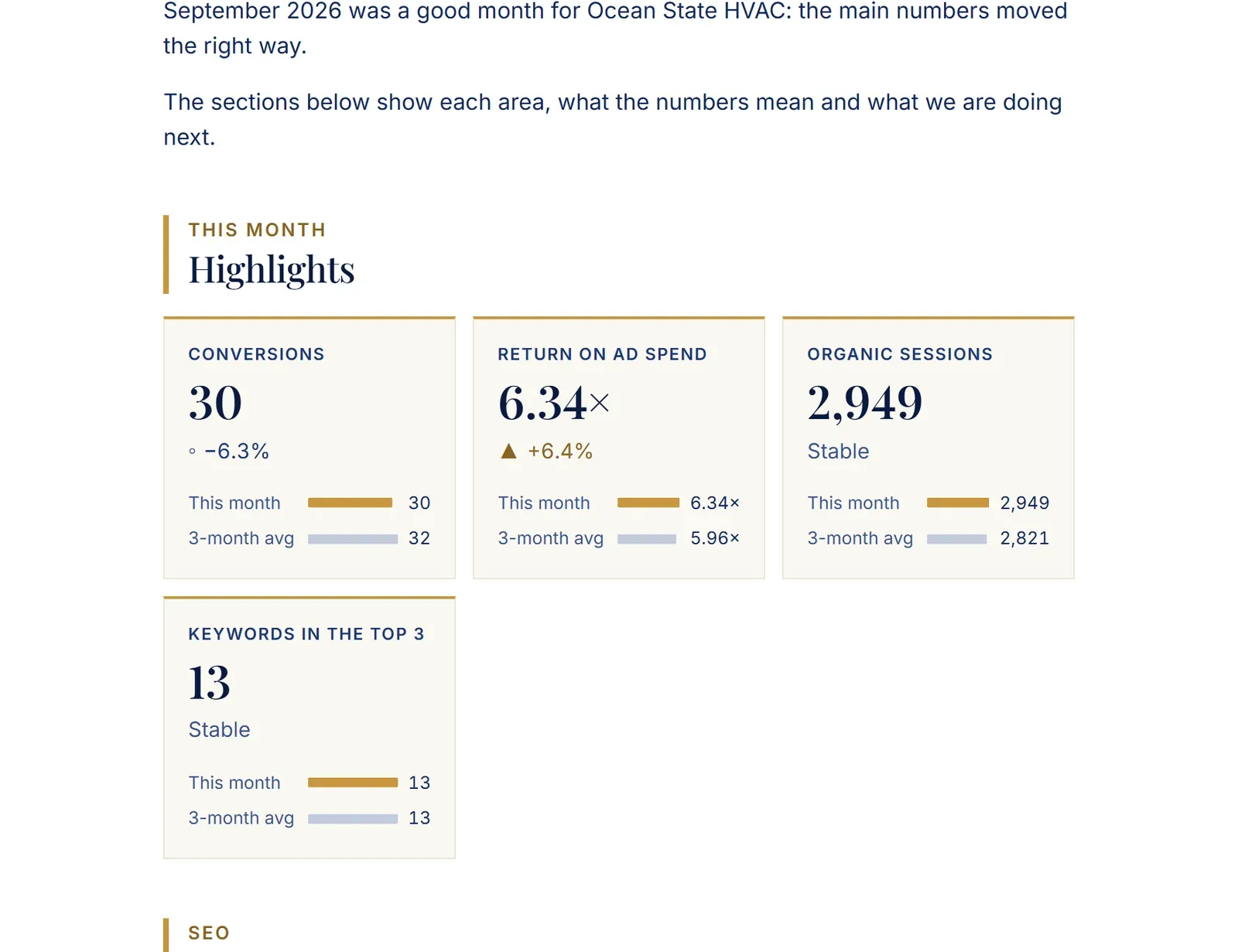
The month in plain words
The report opens with what moved, what it means and what comes next, before any chart.
Next to the average
Each number has a bar for this month and one for the three-month average, so a change is easy to see.
Up, down or stable
Every number says whether it went up, went down or held steady, in words as well as color.
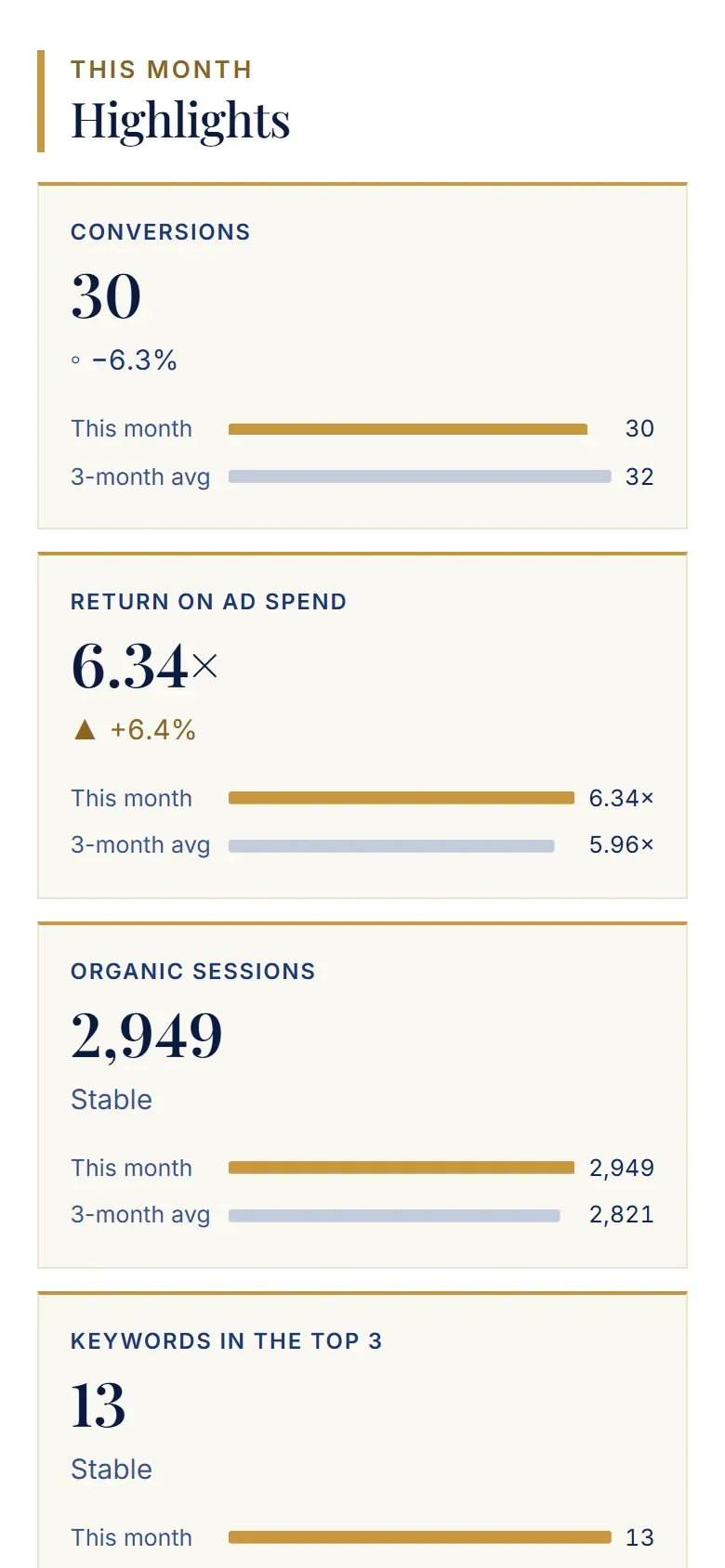
Next to the average
Each number has a bar for this month and one for the three-month average, so a change is easy to see.
Up, down or stable
Every number says whether it went up, went down or held steady, in words as well as color.
Dashboard
- Needs attention today. Overdue tasks, today's appointments, reports to send and invoices to issue, counted when you open the CRM.
- Today's list. Tasks and appointments for the day, each with its client and its due date. Anything late is marked in red.
- Open proposals. Every proposal waiting on a client, marked sent or viewed, with the days left before it expires.
- Made for phones too. On a phone the main screens sit in a bar at the bottom, within reach of your thumb.
Pipeline
- What the pipeline is worth. Open deals, their first-year value, and a weighted total that counts each deal by the stage it has reached.
- One column per stage. From new lead to proposal sent, each stage shows how many deals it holds and what they add up to.
- The next date on every deal. Each deal shows the client, the work, the price (one-time or monthly) and its next date. A missed date says Overdue.
Clients
- The client at a glance. Status, industry, the account owner and the last activity, at the top of every client page.
- Everything in one place. Activity, deals, proposals, documents, forms, reports, invoices and tasks for this client, each one tab away.
- Every contact. The people you deal with at the client, with role, email and phone. The primary contact is marked.
- Active services. What the client pays for each month, and since when.
Proposals
- Made for one client. Each proposal has a cover with the client's name, its number and the date it stays valid until.
- Read in the browser. The client reads it one section at a time, with a bar at the top that shows where they are.
- Or as a PDF. The same proposal as a PDF, for clients who prefer to sign on paper.
- Accepted online. The client types their name, ticks the box and accepts in the browser. Nothing to print or scan.
- Price in writing. The acceptance repeats the price, one-time and monthly, so both sides agree to the same numbers.
Reports
- The month in plain words. The report opens with what moved, what it means and what comes next, before any chart.
- Next to the average. Each number has a bar for this month and one for the three-month average, so a change is easy to see.
- Up, down or stable. Every number says whether it went up, went down or held steady, in words as well as color.
Echelon CRM with its sample data: the businesses, names and figures are made up.
Want a system like this for your business?
Book a call (opens in a new tab)What we build
Built around how your business works
Echelon is the base; we tailor it to your trade.
Custom CRMs
Your pipeline, clients, proposals and reports in one system, set up around how you sell.
- Pipeline stages that match your sales
- Proposals clients accept online
- Monthly reports from live numbers
Automations
The steps your team repeats, done by rules, so nothing waits on someone remembering.
- Intake forms that create the client
- Follow-ups and reminders on time
- Handoffs between the tools you use
Internal tools and dashboards
The screens and numbers your team runs on, linked to the software you already use.
- One view of what needs attention
- Booking that finds or creates the client
- Links to your current software
Next step
Want a system like this?
Book a call and tell us how you sell and what you use today. We reply within one business day (Mon to Sat).